Short answerCreate a work account with your work email, confirm it with the code we send, then add your company and your role. It's free while we launch. We check your company within 2 working days.
Steps
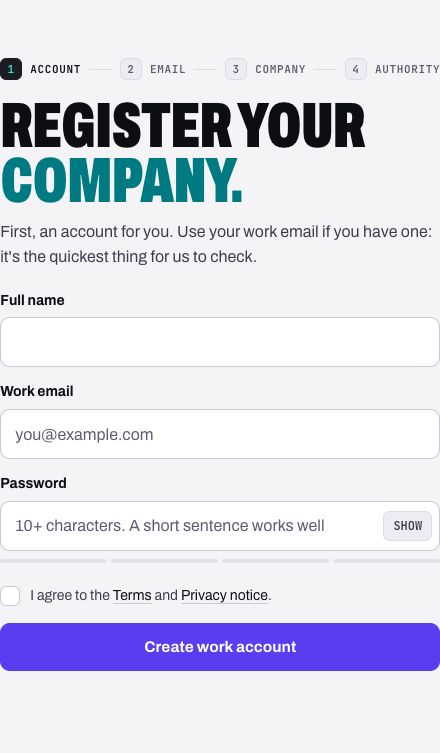
- Open Register your company.
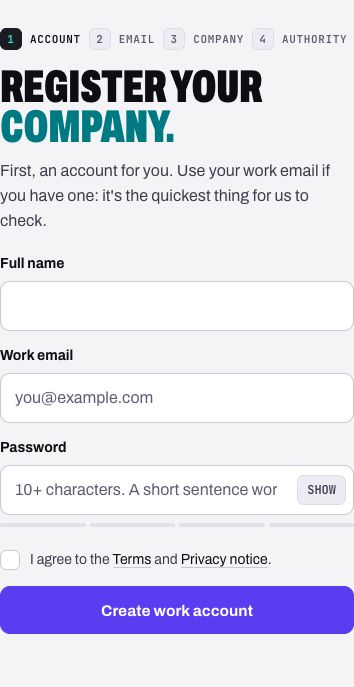
- Enter your name and Work email, choose a password, tick the box to agree to the Terms and Privacy notice, and press Create work account.
- Type the code we email you. It confirms your email and signs you in. Codes last 10 minutes.
- Your company: enter the Registered business name (candidates see it next to your badge), Industry and Main parish, then press Continue.
- Your authority: choose Your role, add your Business registration or TRN if you have it, tick that you can hire for this company, and press Finish and open Hire.
Good to know
- Cost
- Free while we launch. No card.
- Checking
- We check your company is real, within 2 working days. We may ask for more. Jobs you write meanwhile go live once you're verified.
- Registration number
- You can add it later, but you need it before you can publish.
- Signed in as a job seeker
- A company account needs its own email address. Sign out, then register with your work email. Your job search stays as it is.
- Another company
- A new company gets its own workspace and its own verification.
Prefer a call?
On the register page, press We'll set it up with you. We still check your company before anything goes live.
Did this help?
Tell us, so we can fix what doesn’t.