Short answerPick the sections you want and press Download PDF. You get one A4 file made from your profile.
Steps
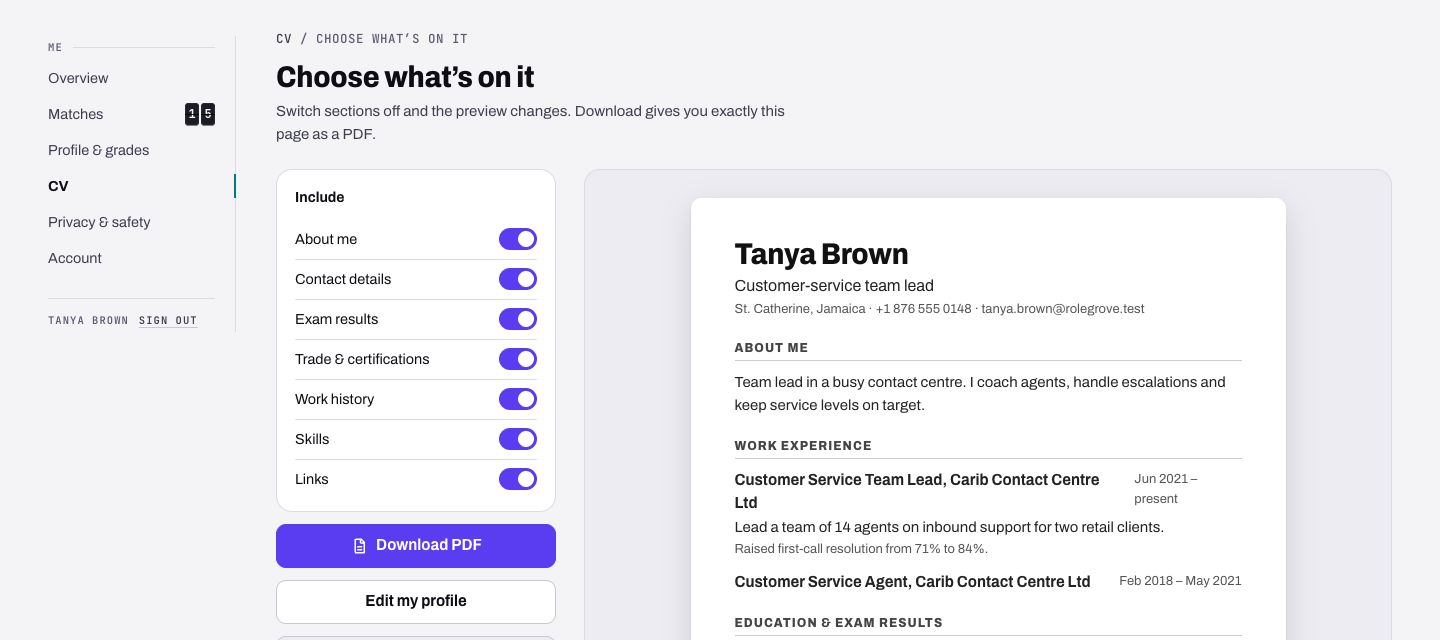
- Open CV and press Choose what's on it.
- Under Include, switch sections on or off: About me, Contact details, Exam results, Trade & certifications, Work history, Skills, Links.
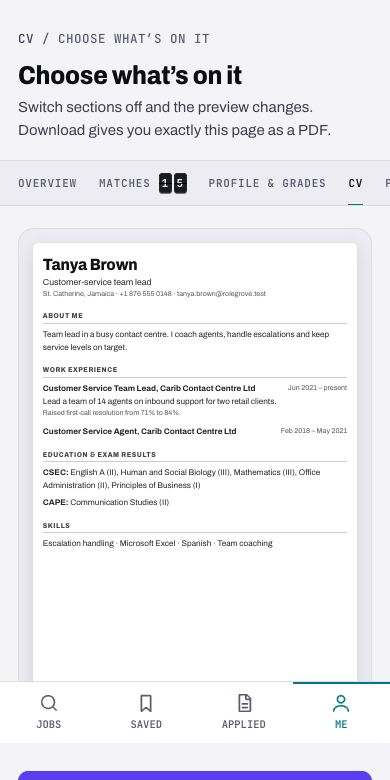
- The preview changes as you go. It shows the page count and A4.
- Press Download PDF.
Good to know
- Nothing here changes your profile. Change your profile and the CV updates.
- Press Edit my profile to fix something you see in the preview.
- Your own uploaded CVs sit on the same page, under CVs you uploaded.
Did this help?
Tell us, so we can fix what doesn’t.