Short answerChoose which emails you get under Privacy & safety. Account and security emails are always on, so you can get back in.
Steps
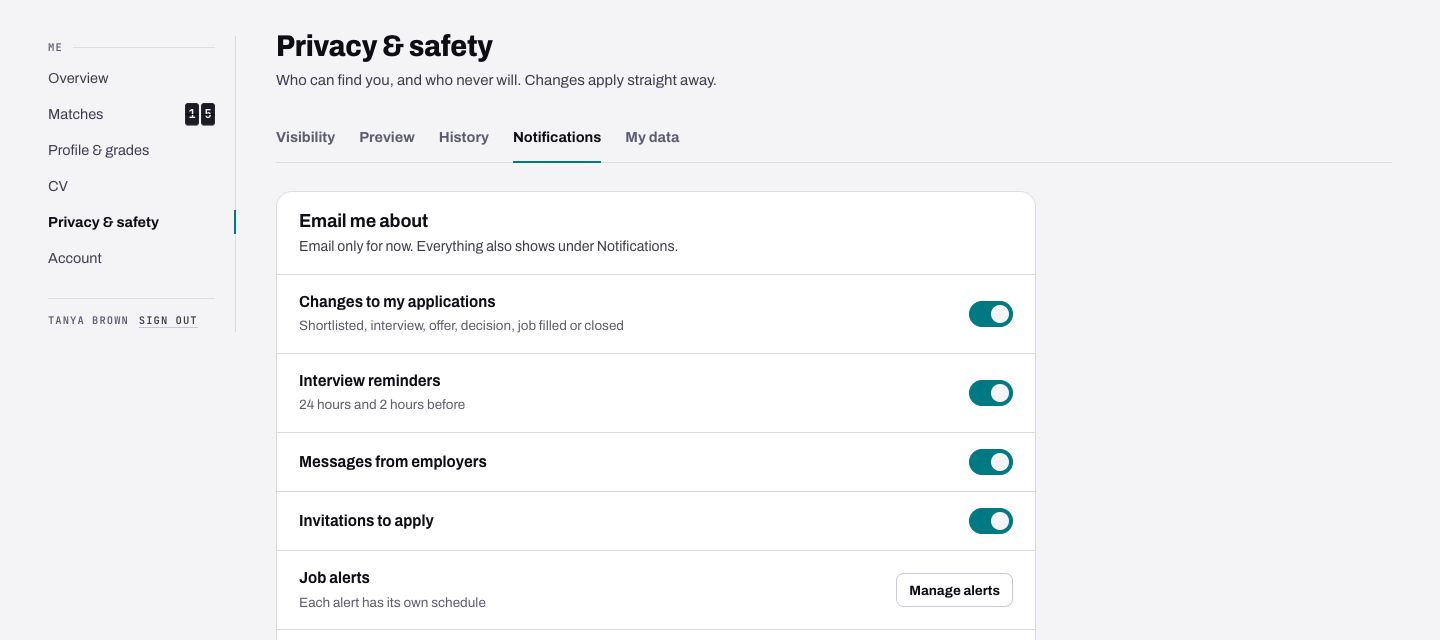
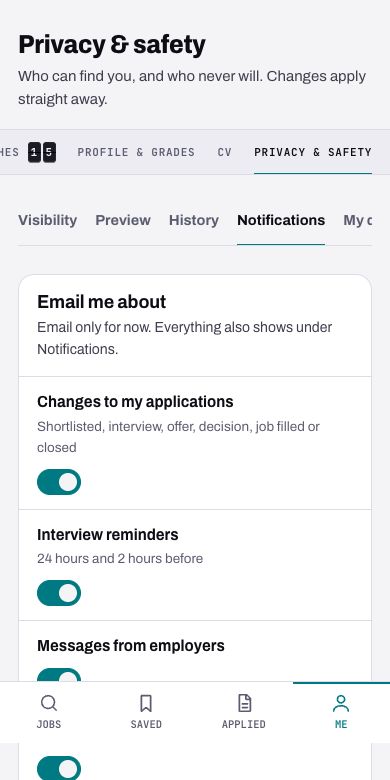
- Open Privacy & safety and press Notifications.
- Under Email me about, switch on or off: Changes to my applications, Interview reminders, Messages from employers, Invitations to apply, Job alerts, An employer opened my profile, Tips and Rolegrove news.
- Job alerts each have their own schedule. Press Manage alerts to change them.
- Everything that happens still shows in your notifications page, newest first.
Good to know
- Email only for now.
- Account and security (sign-ins, password, deletion) stays on.
- Turn off interview reminders and you may miss a time. The interview page still shows it.
Did this help?
Tell us, so we can fix what doesn’t.