Short answerPick words, parishes and how often, and we email new matches. Each email has a one-click pause link that works without signing in.
Steps
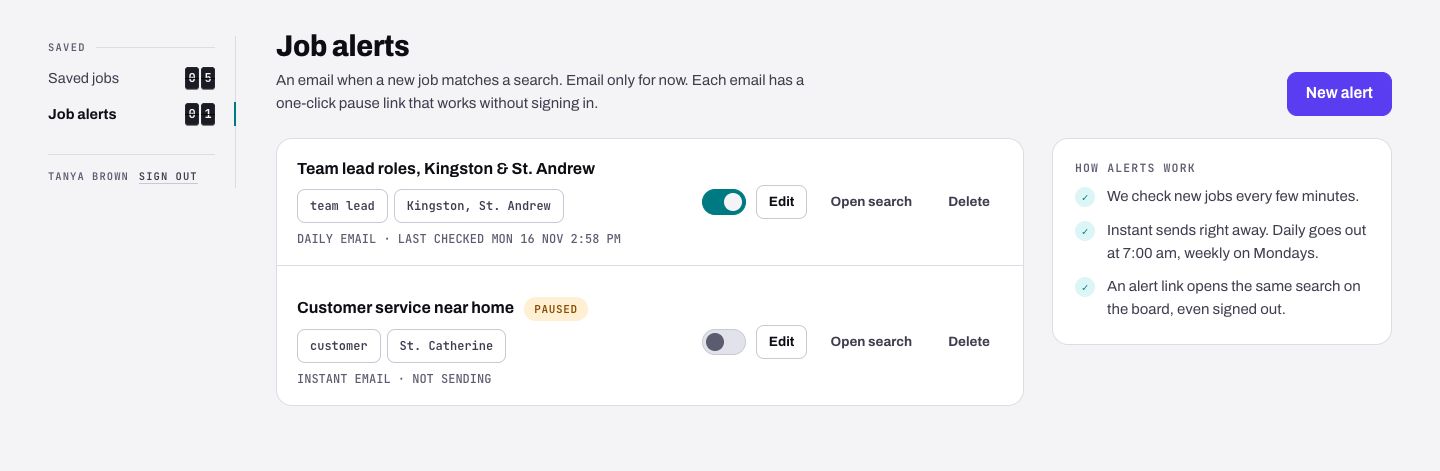
- Sign in and open Job alerts, under Saved.
- Press New alert and give it a Name.
- Under Jobs that match, type the Words to look for and tick the parishes you'd work in.
- Choose How often: As they’re posted, Daily, 7:00 am or Weekly, Mondays.
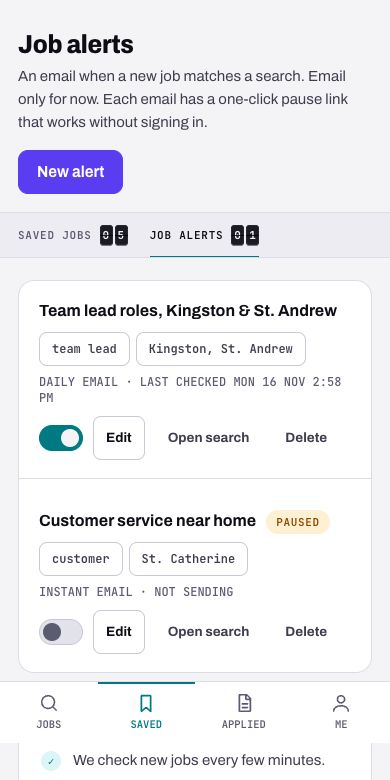
- Press Save alert. You can Edit, Open search or Delete an alert from the list.
Good to know
- Alerts go by email only for now.
- Daily alerts go out in the morning and weekly ones on Mondays.
- Pausing from the email link stops that alert without signing in. Turn it back on from this page.
- Following one employer? Press Alert me for the company name on its company page.
Did this help?
Tell us, so we can fix what doesn’t.