Short answerSome jobs take applications on the employer's own site. We can't see what happens there, so there's no pass. You can mark them as applied yourself.
Steps
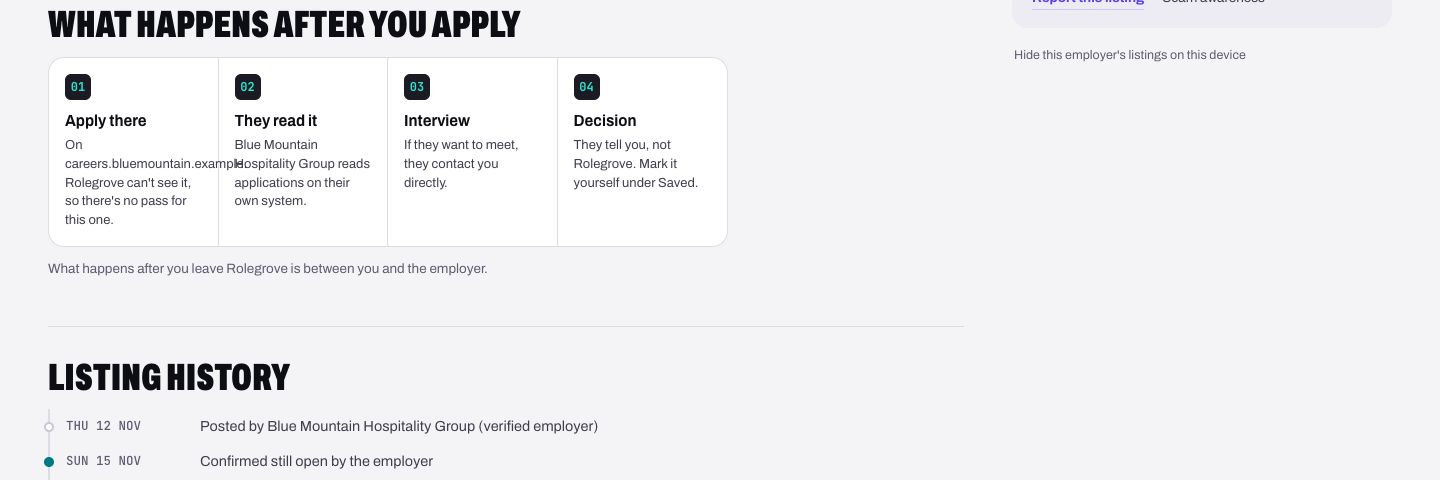
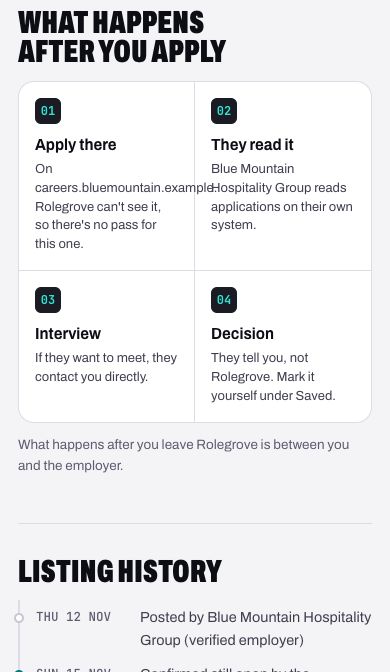
- Open the job. The button reads Apply on the employer's site, and a note says you'll leave Rolegrove.
- Press it and apply there.
- Come back and press Yes, I applied when asked, or find the job later in Saved under Marked applied.
- Questions about your application go to the employer. They contact you directly.
Good to know
- Your mark is your own note. The employer can't see it and Rolegrove isn't told what happens on their site.
- Only jobs you apply to on Rolegrove get a pass and a timeline.
Did this help?
Tell us, so we can fix what doesn’t.