Short answerEach job page ticks off what it asks for against your profile, so you know before you apply. Only you see the result.
Steps
- Add your CXC grades and skills under Profile & grades.
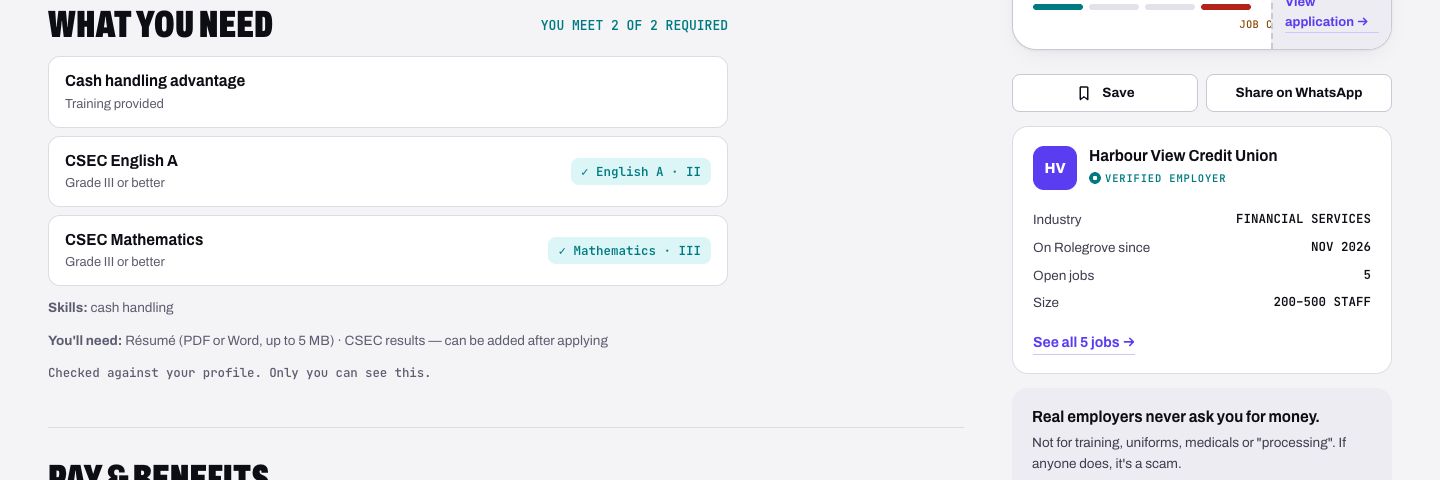
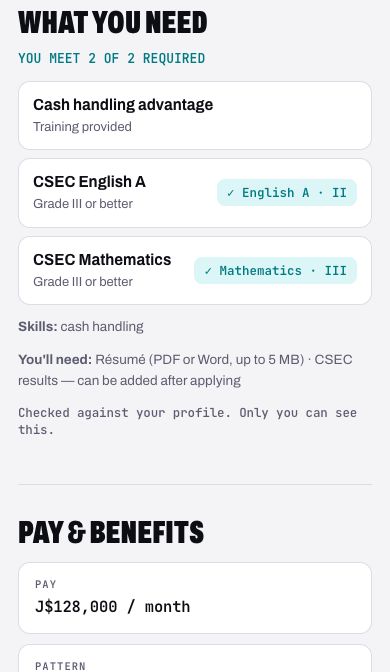
- Open a job and read What you need. Signed in, it shows how many required items you meet, with a tick on each.
- Open Matches to see open jobs that ask for things on your profile, grouped as Meet all and Nearly.
- An item missing? Add it to your profile and the match updates.
Good to know
- A match means you meet what the job lists. It doesn't predict who gets hired.
- “Not added” isn't the same as “don't have”. Add it and the match updates.
- Signed out, the panel asks you to sign in. The check is private to you.
Did this help?
Tell us, so we can fix what doesn’t.