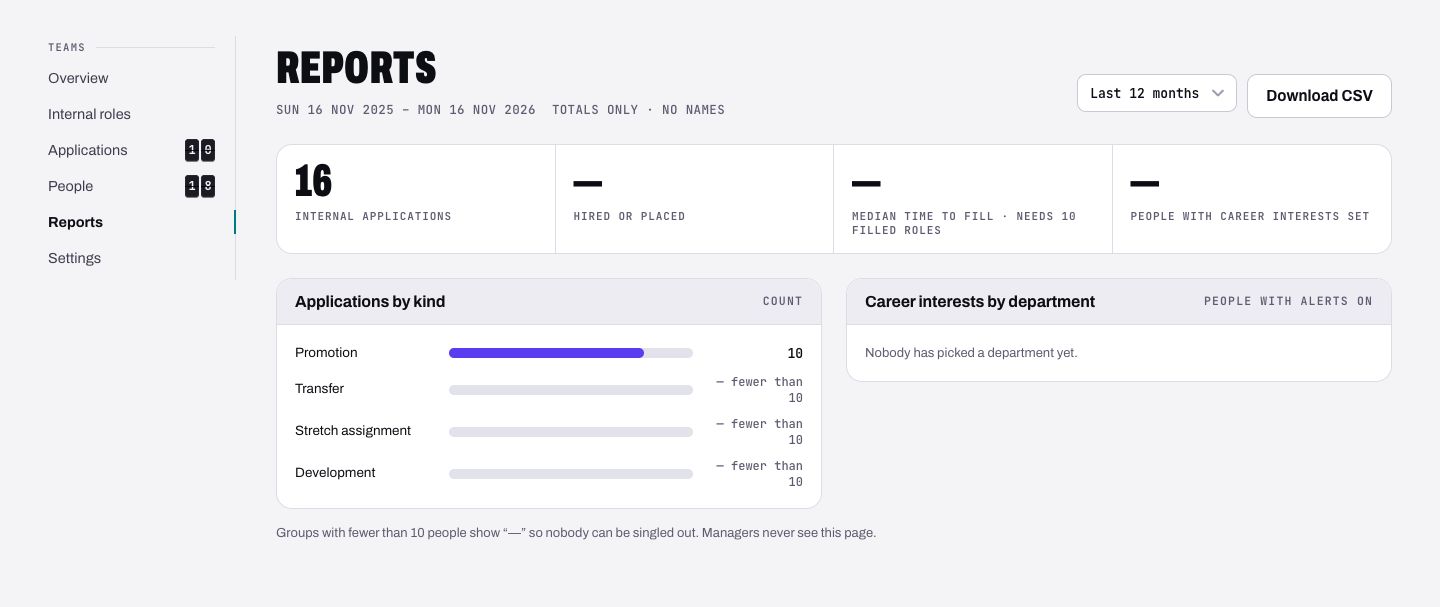
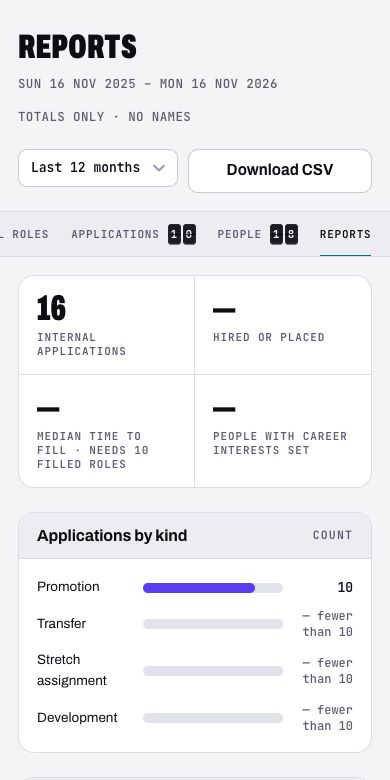
Short answerReports show totals only, with no names: internal applications, who was placed, and career interests by department.
Steps
- In Hire, open Teams → Reports.
- Choose the period at the top of the page.
- Read the totals and Applications by kind.
- Press Download CSV to take them away.
Good to know
- Small groups show as — so nobody can be singled out. The CSV does the same.
- Managers never see this page.
- Time to fill needs enough filled roles before it shows a figure.
Did this help?
Tell us, so we can fix what doesn’t.