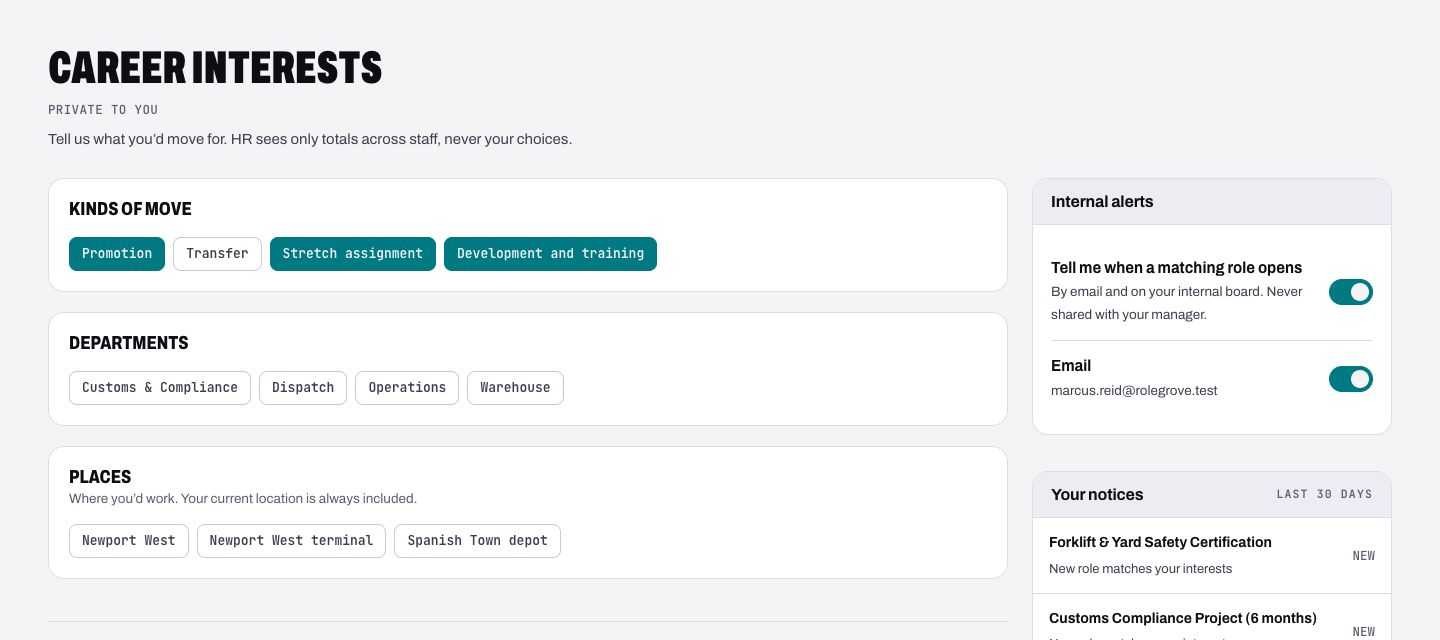
Short answerTell HR what you'd move for and get told when a matching role opens. HR sees only totals across staff, never your choices.
Steps
- Open Career interests in your Teams portal.
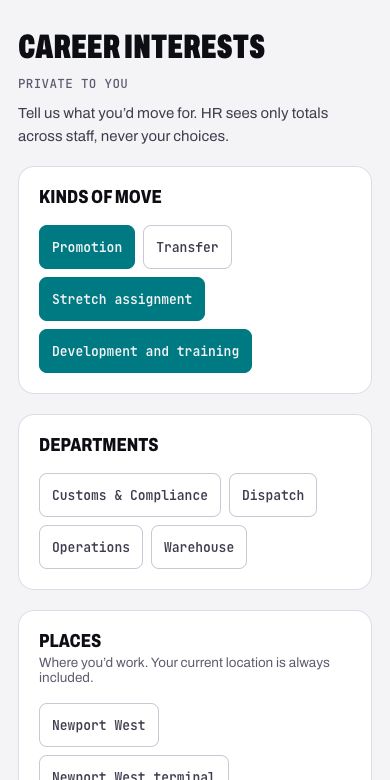
- Pick Kinds of move (promotion, transfer, stretch assignment, development and training), Departments and Places.
- Press Save interests.
- Under Internal alerts, switch on Tell me when a matching role opens. It reaches you by email and on your internal board.
Good to know
- Private to you. Never shared with your manager.
- Your recent notices are listed at the bottom of the page.
Did this help?
Tell us, so we can fix what doesn’t.