Short answerPoint a colleague at a role that suits them. They decide. You see if they apply, never why not.
Steps
- Open a role and press Refer a colleague, or open Referrals and press Refer a colleague.
- Enter your colleague's staff number, add a short note if you like, and press Send referral.
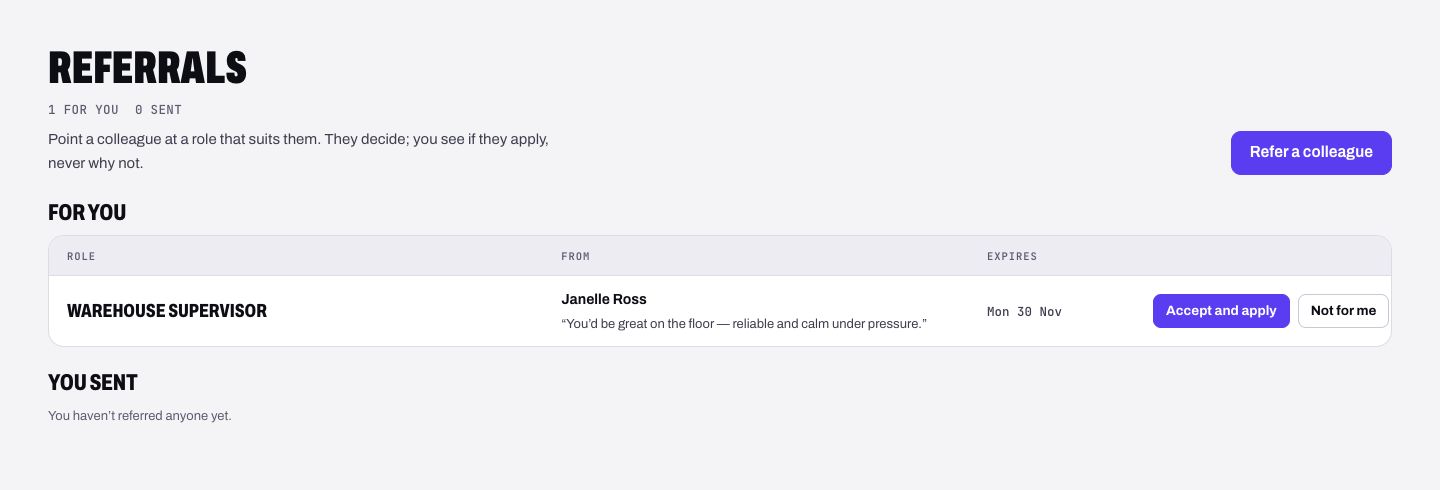
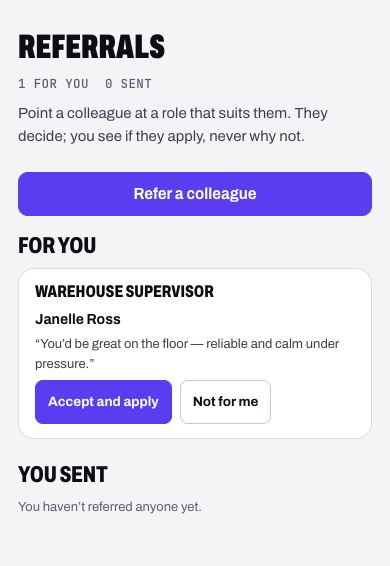
- They see it under For you on their Referrals page.
- A colleague referred you? Press Accept and apply, or Not for me.
Good to know
- Referrals expire, so answer when you can. The date is on the row.
- Your company can turn referrals off.
Did this help?
Tell us, so we can fix what doesn’t.