Short answerWhen HR ends your access, internal roles close to you. You can still read what you applied for for a while, then the page tells you you no longer have access.
Steps
- Sign in to your Teams page. If your access has ended you see Your access to the company careers has ended.
- Read Your internal applications. They're read-only.
- Questions go to your former HR team. Press Sign out when you're done.
Good to know
- Your other Rolegrove accounts, including a personal job-seeker account, aren't touched.
- No access at all? The page says You don't have access to this portal and tells you nothing else about it.
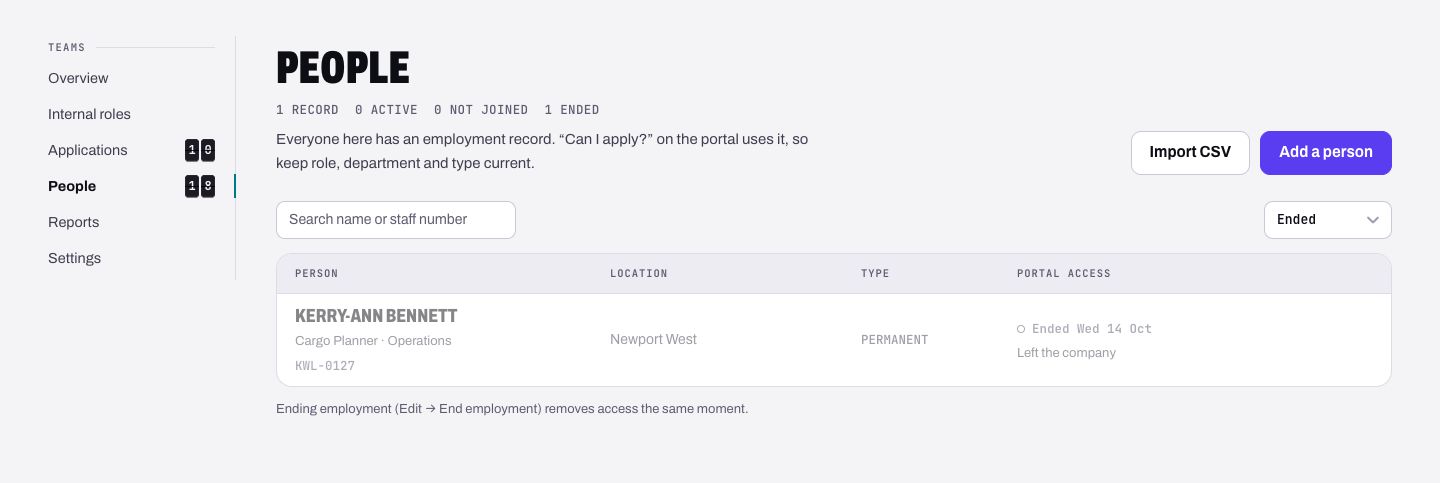
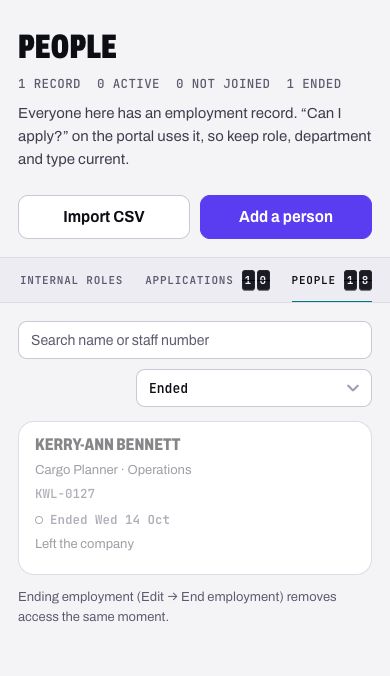
- HR can see who has ended access on their People page.
Did this help?
Tell us, so we can fix what doesn’t.