Short answerChange a live job any time from the hiring need. Some changes show straight away; others wait under Pending changes until someone who can approve presses Approve change.
Steps
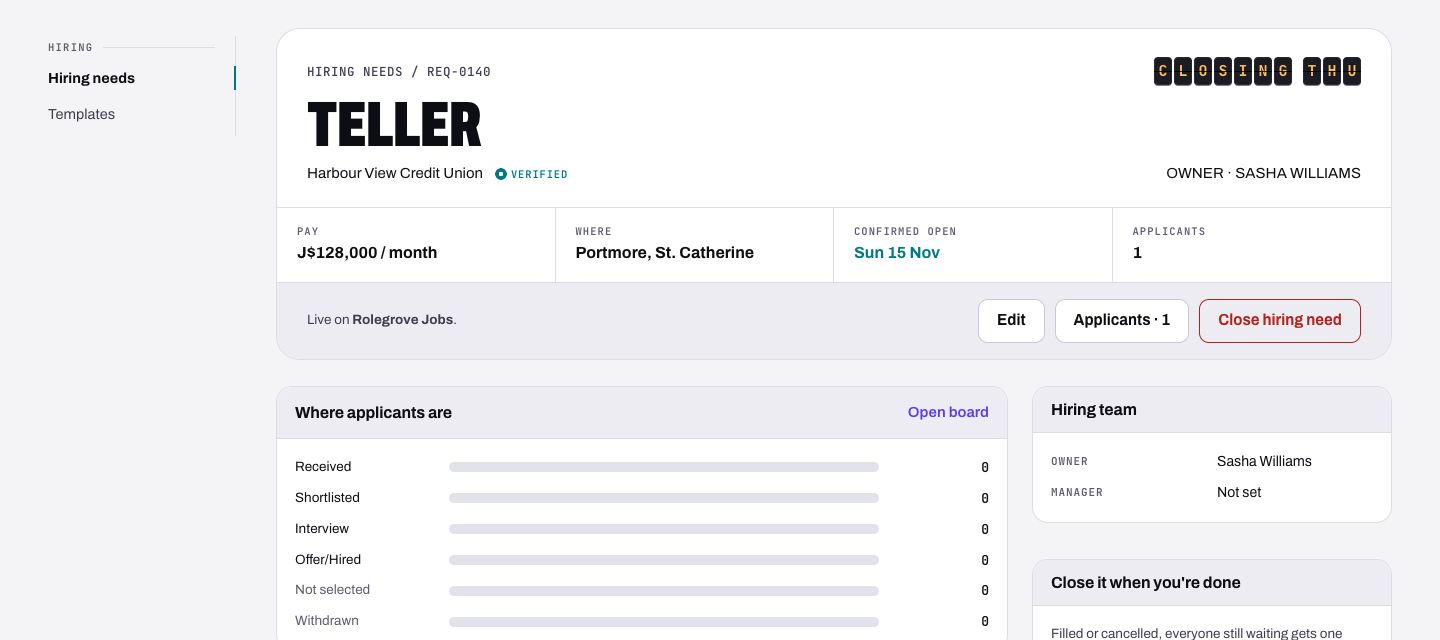
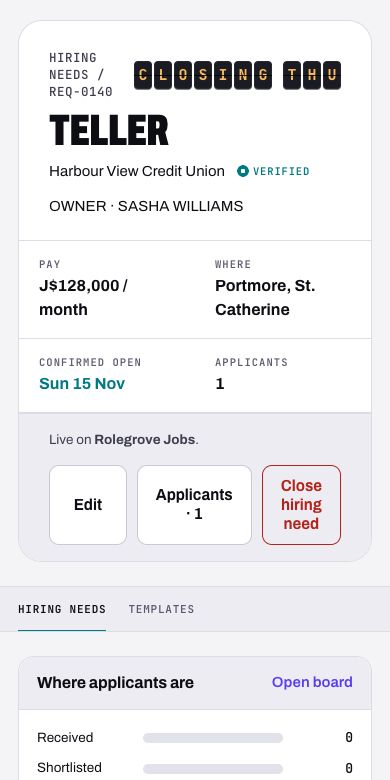
- Open the hiring need and press Edit.
- Change what you need and save. If a change needs approval, it shows under Pending changes.
- Someone with approval rights opens it, reads the difference and presses Approve change, or sends it back with a note.
- Once approved, job seekers see the new version right away.
Good to know
- Publishing an edit counts as confirming the job is still open.
- Hiring managers on the need can approve the public version.
- To stop a job, don't edit it. See Close a job: filled or cancelled.
Did this help?
Tell us, so we can fix what doesn’t.