Short answerOffer a few times; the candidate picks one. Times nobody picks are released on their own, and the candidate gets reminders.
Steps
- From an applicant, press Schedule interview. Or open Interviews and press Schedule from an applicant.
- In Schedule an interview, choose the Type and Round, and the Length (minutes).
- Under How is the time set, choose Let the candidate choose or Fixed appointment. Internal applications only offer Fixed appointment.
- If you chose Let the candidate choose, add a time in each Offered time box, press Another time for more, or press Suggest from working hours.
- If you chose Fixed appointment, set the Date and time (Jamaica).
- Press Send invitation. With offered times the candidate picks one; with a fixed appointment they accept it. Everyone gets a calendar invite once it's confirmed.
Who gets told
- Candidate
- Gets the invitation, picks a time, and gets reminders by email before it.
- Interviewers
- Get the calendar invite once a time is picked, and a scorecard to fill in after.
- You
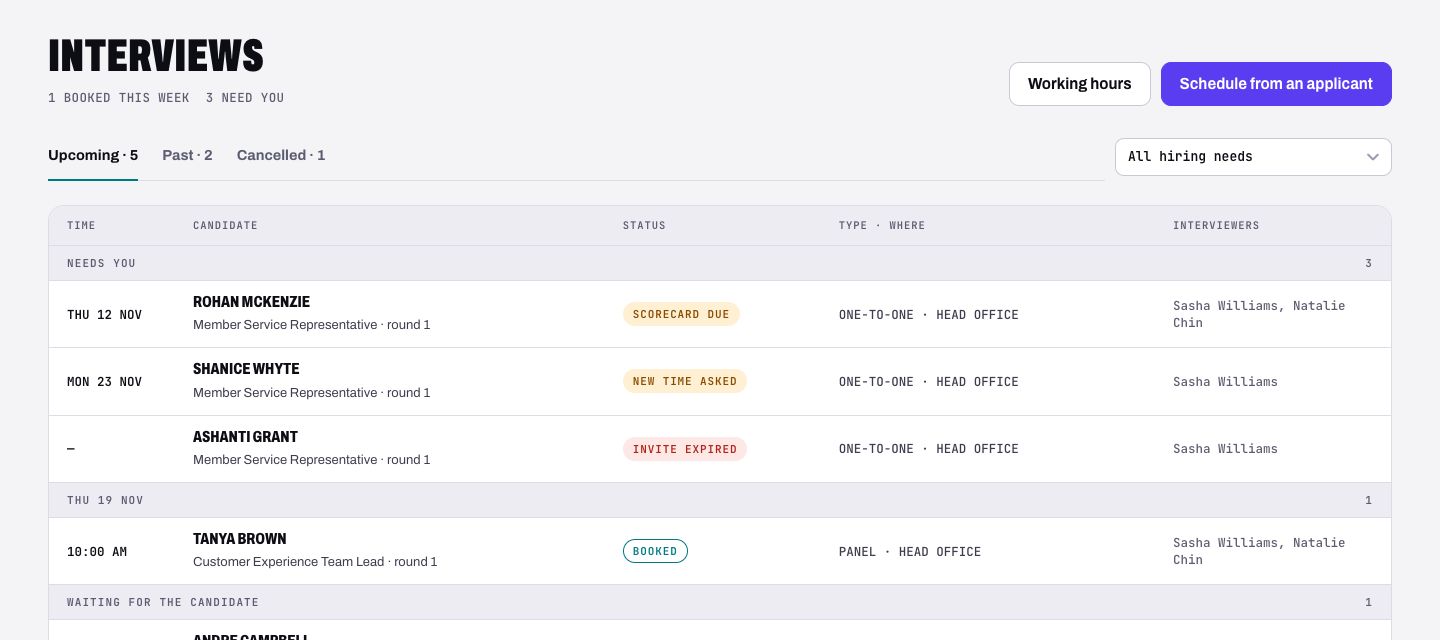
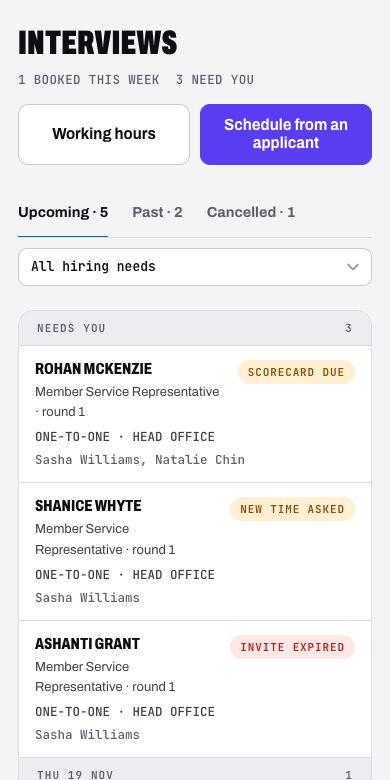
- See Needs you for expired invitations, new times asked for and scorecards due.
Good to know
- Interviews are scheduled from an application, so we know the person really applied.
- Each time is checked against interviewers' other bookings, buffers and public holidays.
- A candidate asks for a new time? You see New time asked. An invitation ran out? Offer new times from Follow-ups.
Did this help?
Tell us, so we can fix what doesn’t.