Short answerSearch people who chose to be found, and invite them to apply. An invitation names the job, and they decide whether to apply.
Steps
- In Hire, open Talent.
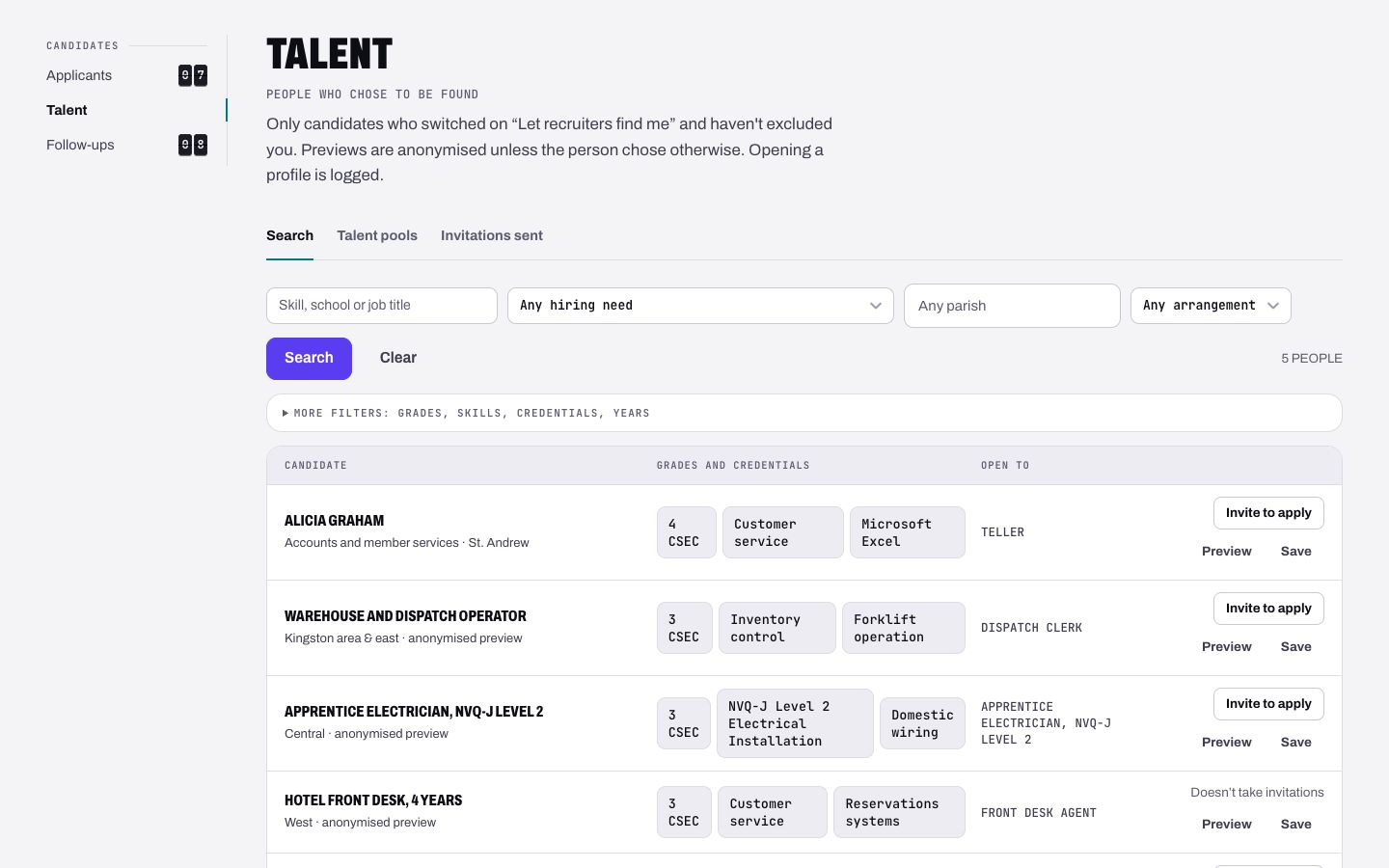
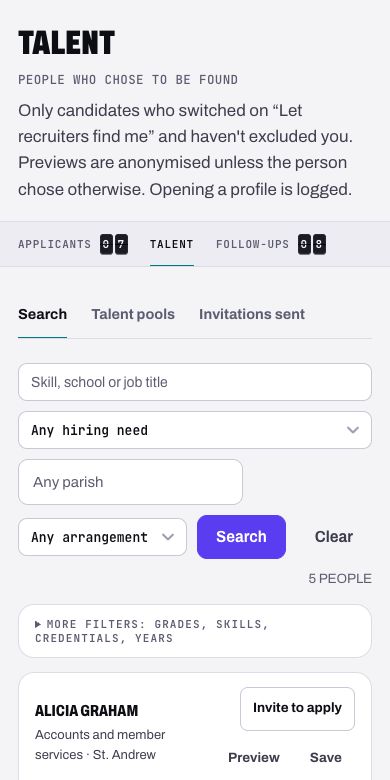
- Use Search and the filters, or pick Ranked for one of your hiring needs.
- Press Preview to read a person. Many previews are anonymised until they apply.
- Press Invite to apply and choose the job. Not everyone takes invitations.
Good to know
- Only candidates who switched on Let recruiters find me appear. Some people can't be found by you, and that's their choice.
- Opening a profile is logged.
- Invited people see it on their applications page. They choose; if they say no, you only see “Not interested”.
- Press Save to keep someone in Talent pools. Invitations sent tracks your invitations.
Did this help?
Tell us, so we can fix what doesn’t.