Short answerPick one or many people and press Not moving forward…. Each person gets one short, kind message, and sees Not selected.
Steps
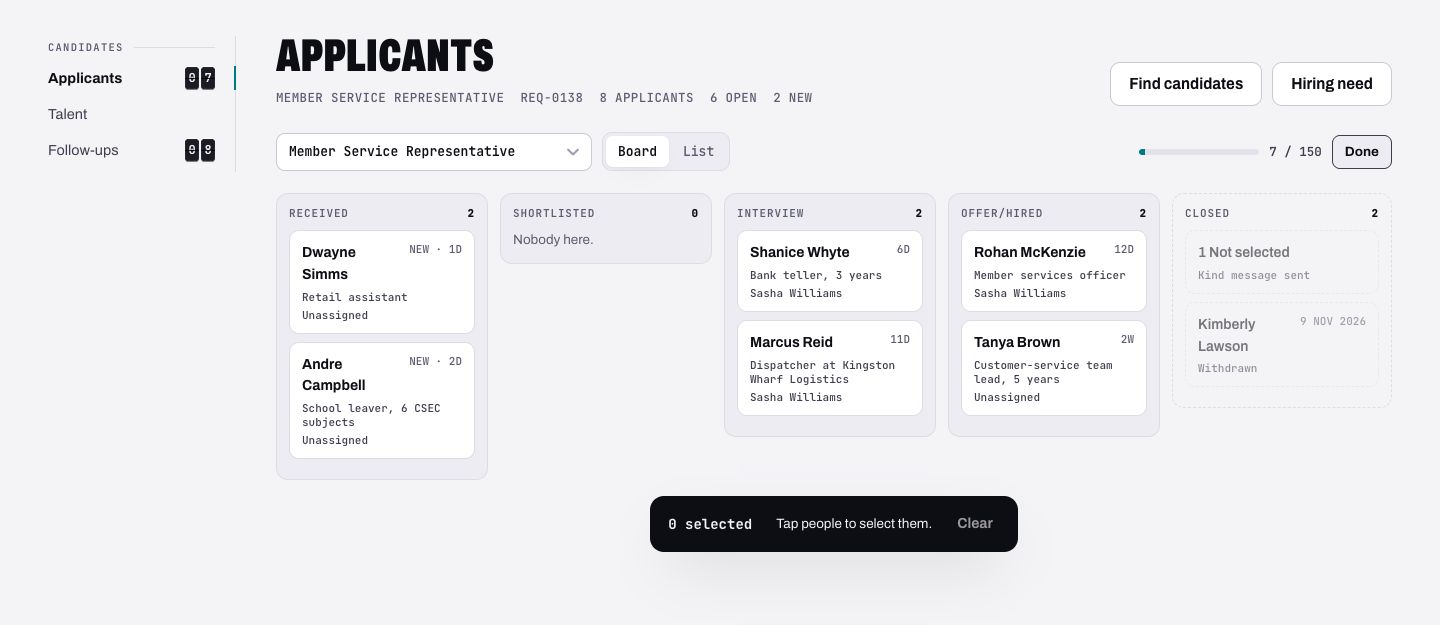
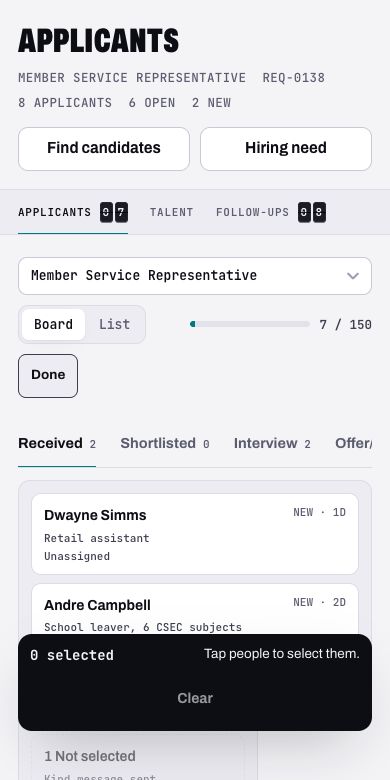
- On Applicants, open one person and press Not a fit. Or press Select on the board and tick several.
- With people selected, press Not moving forward….
- Choose a Reason. It's required. They see it in kind, plain words; your note stays with your team.
- Pick the message in the box under the person's name (one person), or under Message template (a group), then press Send (one person) or Send to the number of people.
- A single Send goes out at once. A group send shows Undo for a few seconds before it sends.
Who gets told
- Each person
- Sees Not selected, your message, and the reason in plain words.
- Your team
- Sees the reason and your note. Candidates never see the note.
Good to know
- One person and don't want to send a message? Press Record without a message.
- Say it kindly and plainly. Don't ask for money, bank details or ID numbers in any message.
Did this help?
Tell us, so we can fix what doesn’t.