Short answerHiring managers review applicants and approve public versions for the needs they're on. Interviewers see only their own interviews and fill in scorecards.
Steps
- Sign in and open Hire. Your home shows only what you're involved in.
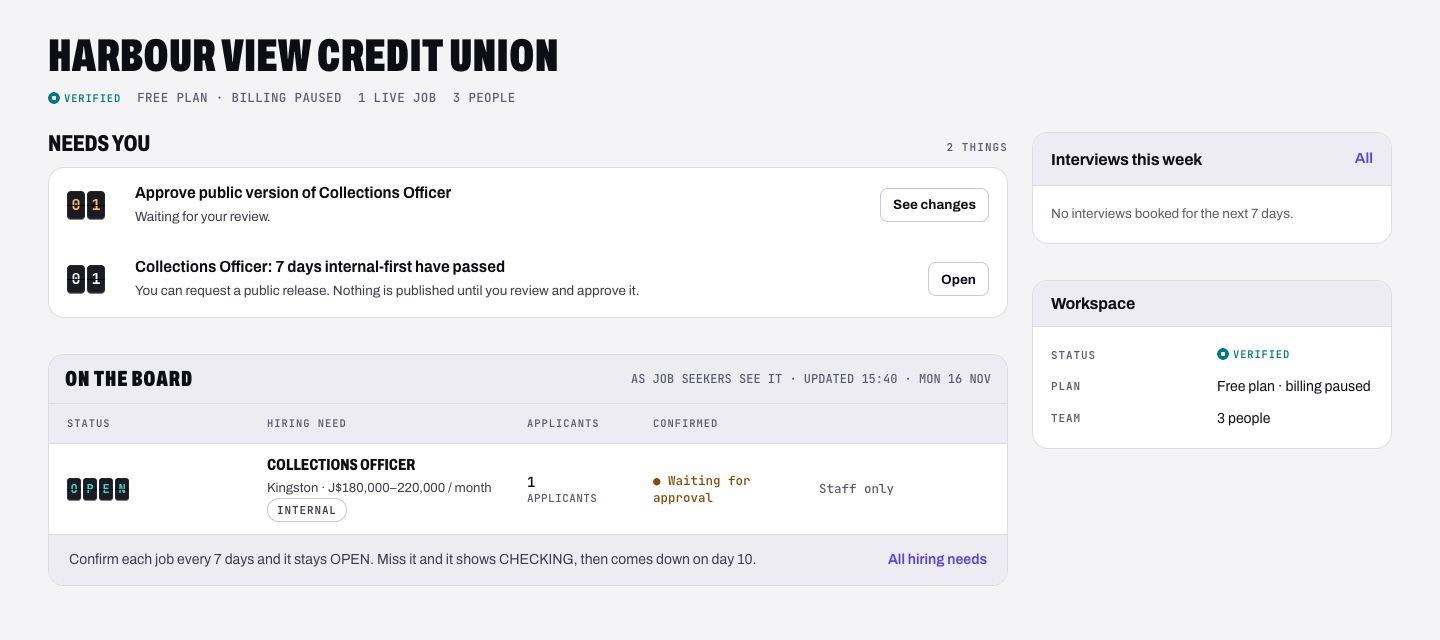
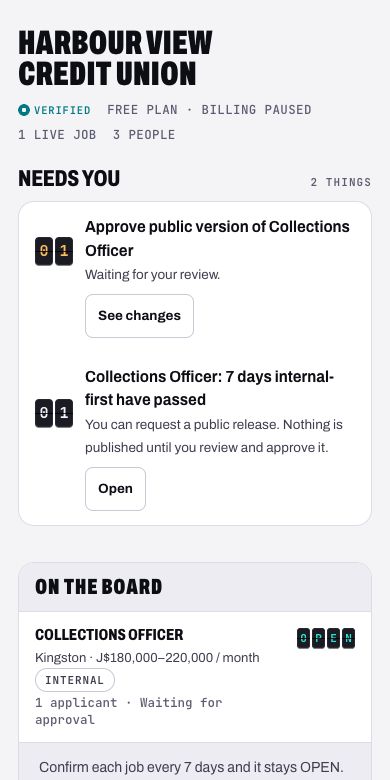
- Hiring manager: open Applicants for your needs. When a public version is waiting, press See changes and Approve change, or send it back with a note.
- Interviewer: open Interviews. It lists only interviews you're on, with SCORECARD DUE when one is waiting.
- Open an interview and fill in your scorecard after you meet the candidate.
Good to know
- Scheduling rules and working hours are set by your recruiter.
- You can't close a hiring need. Ask the recruiter or an administrator.
- You only see candidates for the needs and interviews you're on.
Did this help?
Tell us, so we can fix what doesn’t.