Short answerSign up with your name, email and a password, then type the code we email you. It's free for job seekers, and you must be 16 or older.
Steps
- Open Create your profile.
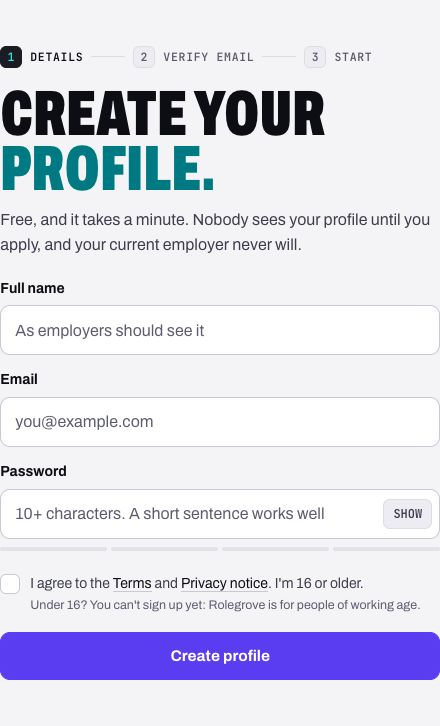
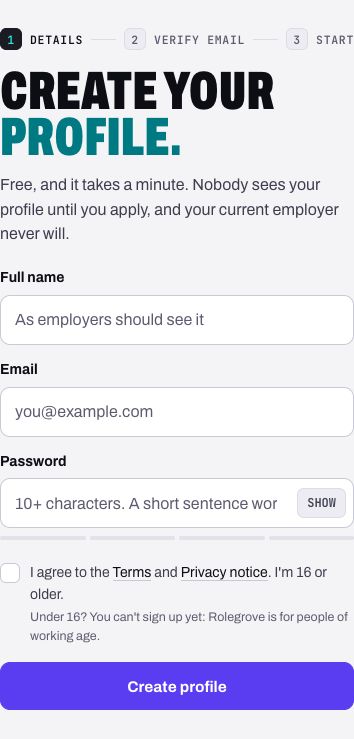
- Enter your Full name, Email and Password. The password needs at least 10 characters and can't be your name or email.
- Tick I agree to the Terms and Privacy notice. I'm 16 or older. and press Create profile.
- Type the code we email you. It confirms your email and signs you in. Codes last 10 minutes.
- On the welcome page, press Set up my profile or Browse jobs first.
Good to know
- Rolegrove never charges job seekers.
- No code? Check Spam or Promotions. You can ask for a new one after 45 seconds.
- Hiring for a business? That needs a separate work account. See Register your company.
- Already have an account? Sign in with a password or an email code.
Did this help?
Tell us, so we can fix what doesn’t.