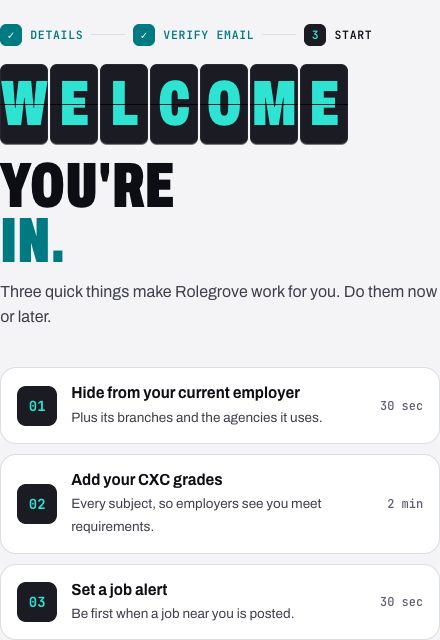
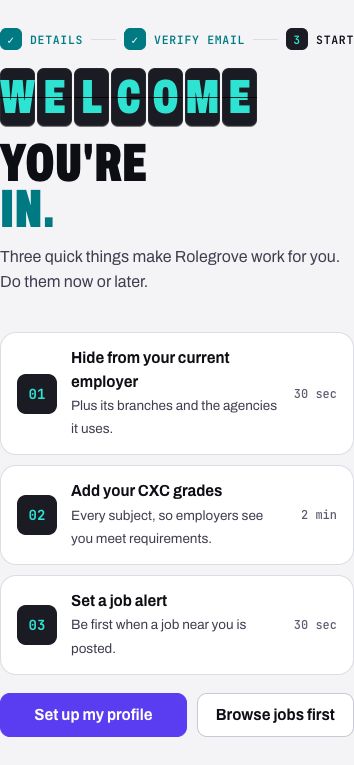
Short answerRight after you sign up, three quick things help: hide your search from your current employer, add your CXC grades, and set a job alert. Do them now or later.
Steps
- Press Set up my profile on the welcome page, or open Me.
- Hide from your current employer: name the company, and its branches and the agencies it uses are covered too.
- Add your CXC grades: every subject, so employers can see you meet what a job asks for.
- Set a job alert: be first to hear when a job near you is posted.
- Not now? Press Browse jobs first. Each step is under Privacy & safety, Profile & grades and Job alerts whenever you're ready.
Good to know
- Skip any of them. Nothing here is required to look at jobs or to apply.
- Your CV is a separate step: see Make and download your CV as a PDF.
Did this help?
Tell us, so we can fix what doesn’t.