Short answerPress Forgot password? and we email a reset link. If sign-in is paused after too many tries, the sign-in screen shows when you can try again. Email me a code works straight away.
Steps
- Open Sign in and press Forgot password?
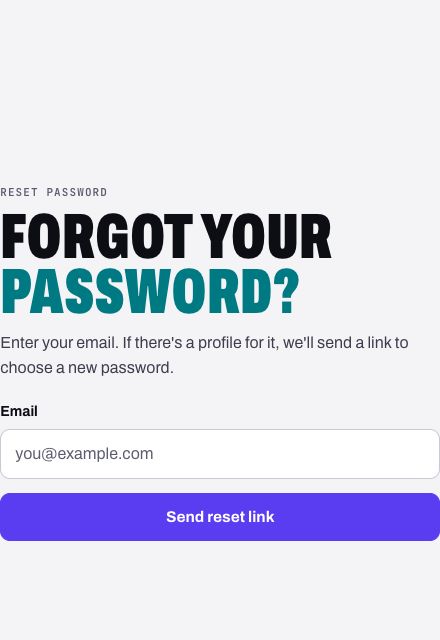
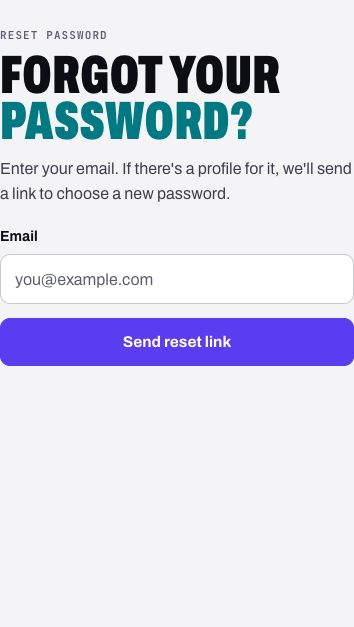
- Enter your email and press Send reset link. If there's a profile for that email, we send a link.
- Open the email and use the link to choose a new password.
- Sign in with the new password. Changing a password signs you out on your other devices.
- Can't get to your email right now? Use Email me a code on the sign-in page instead.
If it doesn't work
- Account paused
- After too many tries we pause password sign-in for a while. The sign-in screen shows when you can try again. Reset your password or use Email me a code in the meantime.
- No email arrived
- Check Spam or Promotions, then try again. We don't say whether an email has a profile, so the screen reads the same either way.
- Teams account
- Your company's Teams portal has its own sign-in and reset page. See Join your company's Teams.
Good to know
- Never share a code or reset link. Rolegrove staff will never ask for one.
- Still stuck? Contact us and we reply within 2 working days.
Did this help?
Tell us, so we can fix what doesn’t.